I just had to do this — add a bunch of names to a pre-existing group in Gmail. It took me awhile to find the solution. So here it is for you.
from:
Benjamin Pratt, 2/11/20, found at https://support.google.com/mail/thread/4227944?hl=en
In https://contacts.google.com/1. Under labels got to create label (at the bottom of the list of existing labels)
1. Create a label (you can use one of the email addresses of contacts you want in the group).
2. Go to create contacts then select multiple contacts
3. Cut and paste all the email address in, and select the label you just created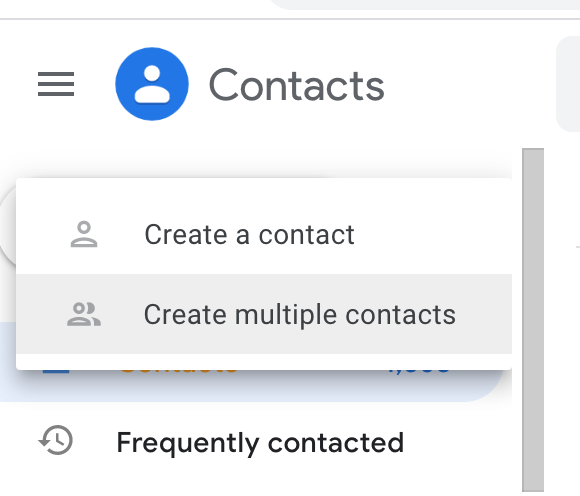
 Abycats' Thoughts