This process produces a marvelous phantom Home Button when it’s no longer on your phone.
Open Settings (the gear icon for the newbies), scroll down to the block headed by General and down to Accessibility.
Open Accessibility and scroll down to the second block headed by Touch.
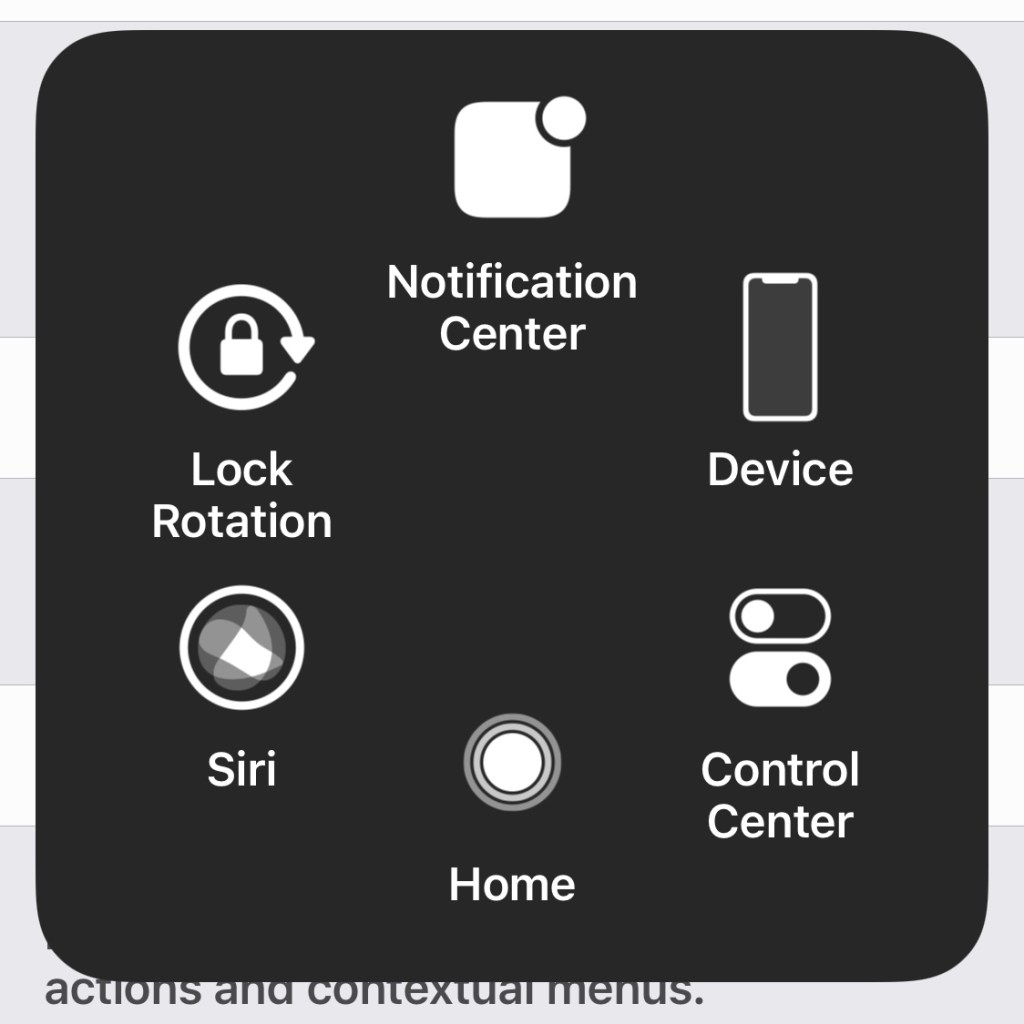
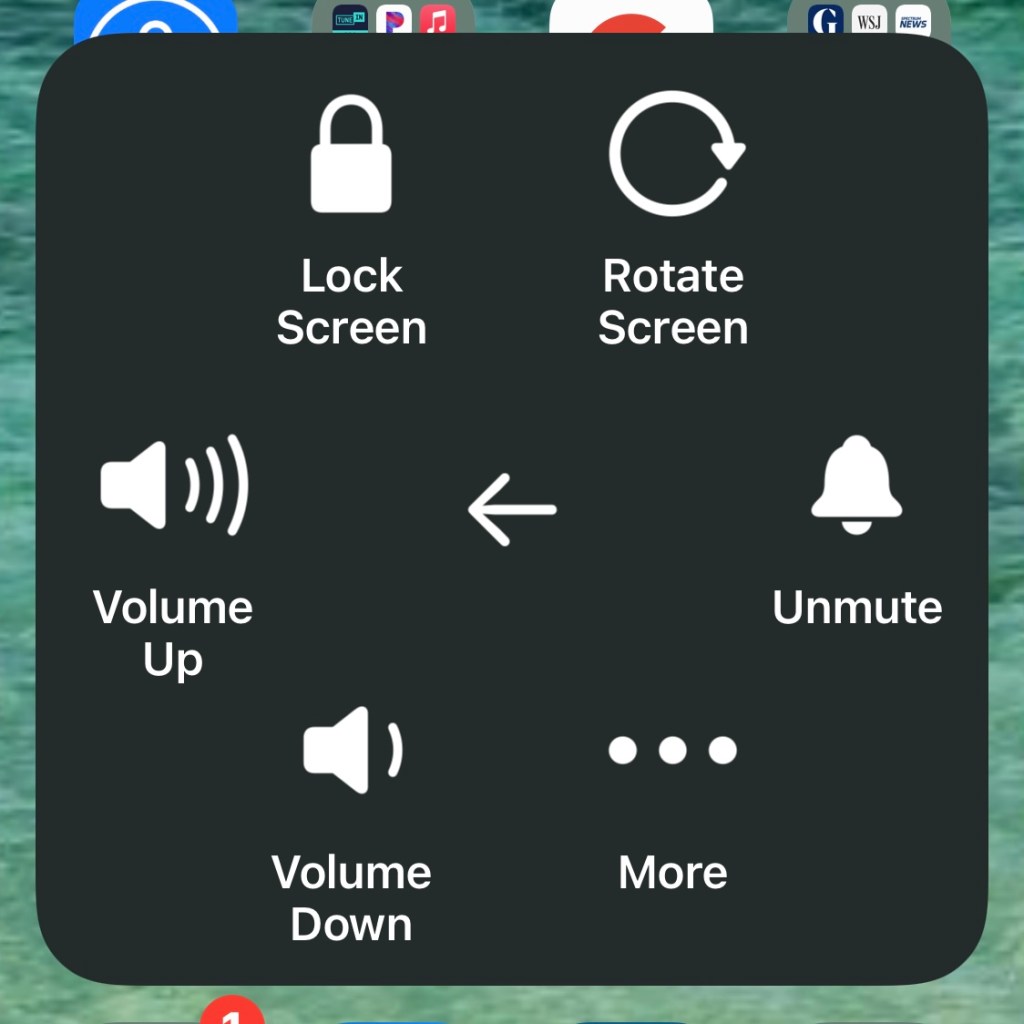
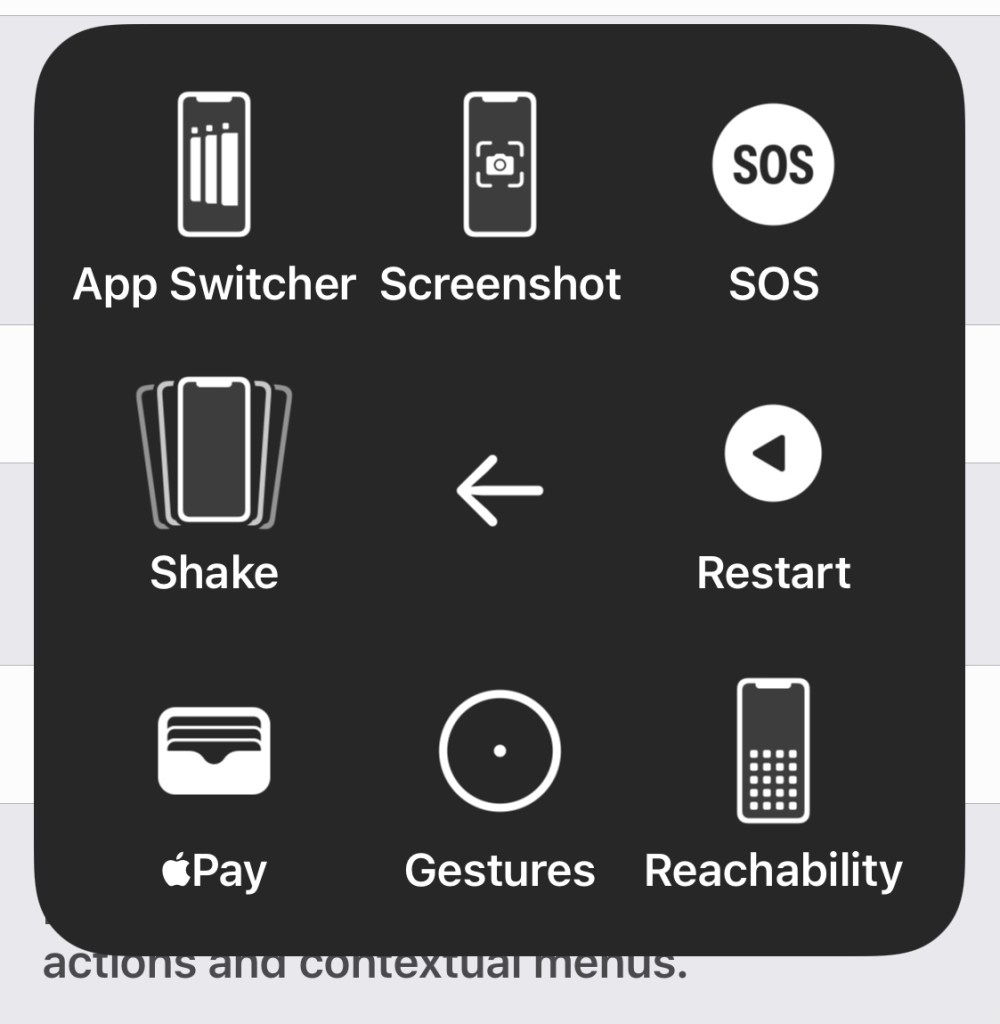
Open Touch, and then Assistive Touch. A miracle will occur. A Home Button will appear. It can be moved to anywhere on the screen.
Here are the some of the actions you can take quickly with the new Home Button. The screenshots are from my iPhone 12 Mini. Very handy.
 Abycats' Thoughts